How to Automate Replies to Instagram Comments and Save Time Sending Messages: The Complete 2026 Guide
Direct Answer
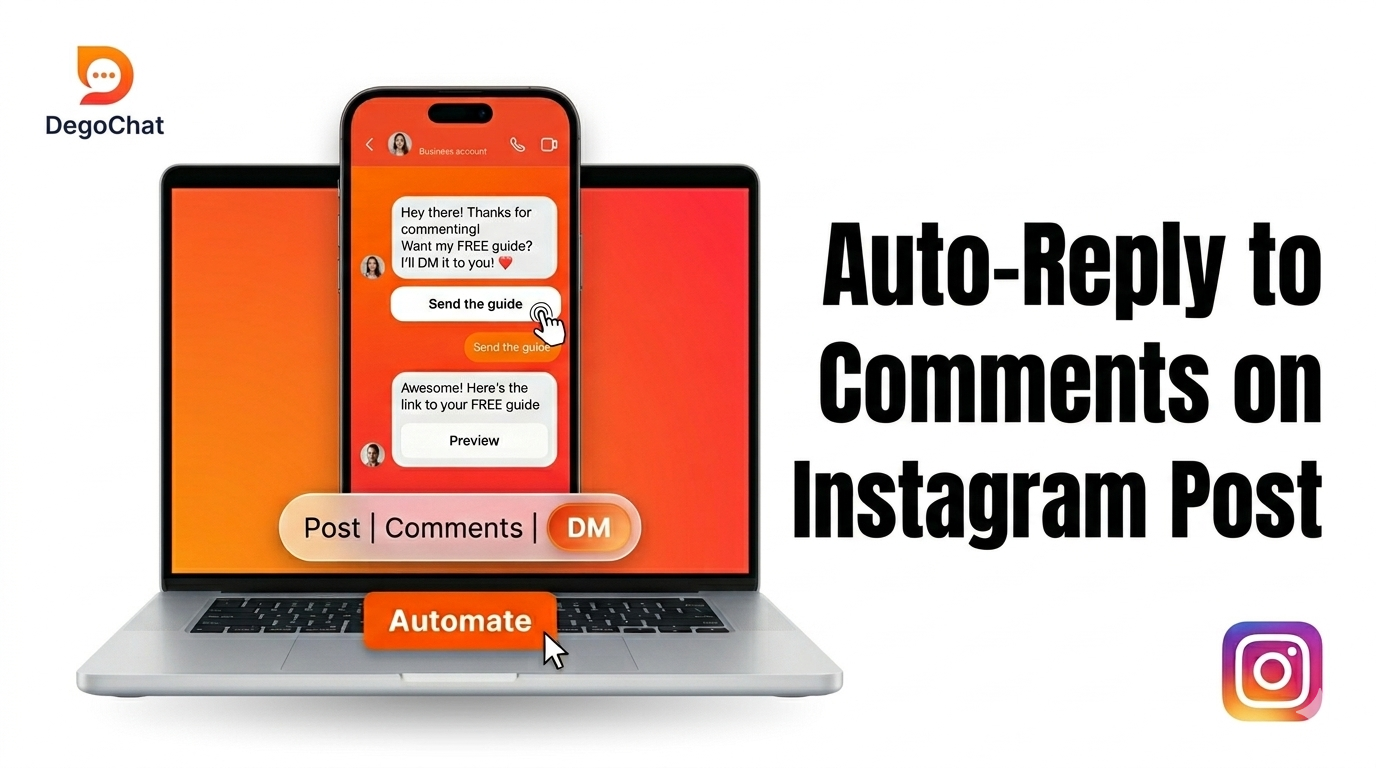
Instagram comment automation automatically responds to comments on a post or Reel based on a specific keyword or any comment. Depending on your setup, it can post a public reply and send a private DM with a link, offer, or next step. You can choose the trigger that fits your goal, customize the response, and test the flow before publishing it, saving time on repetitive manual replies.
The Problem
When you make a post or Reel and ask followers to type a specific word in the comments to get a link or offer, you may receive dozens or hundreds of requests in a short time. As comment volume grows, replying to each person manually becomes difficult, and some requests may be missed or delayed. Instagram comment automation detects comments that match your configured keyword or any-comment trigger and can send a public reply, a private DM, or both. It handles repetitive replies while you focus on questions that need a personal response.
Solution Steps
- 1
Choose the Post or Reel — Select the Instagram post or Reel where you want to automate comment replies, whether it is already published or part of a new campaign.
- 2
Choose the Comment Trigger — Decide whether the automation should respond to a specific keyword such as "guide" or "price," or trigger when someone leaves any comment.
- 3
Set the Public Comment Reply — Write a short, natural reply that appears under the person’s comment, such as "Details sent!" Keep it clear and relevant to what the person requested.
- 4
Create the Private DM — Write the message the commenter should receive privately. You can include the requested link, offer, useful information, or a follow-up question when it helps move the conversation forward.
- 5
Add a Follow Gate If Needed — If the flow requires the person to follow the account before receiving the link or content, explain the next step clearly inside the DM.
- 6
Create Separate Automations for Different Requests — If different keywords such as "link," "price," or "details" need different responses, keep the flows distinct so each request receives the relevant message.
- 7
Test the Automation Before Publishing — Use a separate Instagram account to test the configured trigger. Verify the public reply, private DM, destination links, and any follow-gate step. Test a nonmatching comment and check for overlapping triggers before using the automation publicly.
Common Mistakes to Avoid
- ✕
Connecting the Account Incorrectly — The account must be a Business or Creator account for the tool to work on it. If the account is still personal, the automation simply won't run. Switch the account type in Instagram's settings before doing anything else.
- ✕
Relying on One General Automation for Everything — Many people set up a single automation and try to make it reply to every type of request at once, which makes the replies inaccurate. It's better to create a separate automation for each request type — one for links, one for price, one for general comments.
- ✕
Skipping Tests and Assuming Delivery Is Guaranteed — Test the trigger, public reply, private DM, links, and any follow gate before launch. If a response does not arrive, check the selected post, keyword, account connection, and automation status. Delivery timing can vary; do not promise a fixed response time.
When You Need a Tool
Consider a comment auto responder when repetitive requests take time away from other work, replies are being missed, or a campaign brings more comments than you can manage consistently. There is no universal daily comment threshold. Choose a tool when the time saved and the reliability of your tested workflow justify using it.
Deep Dive
Public Comment Reply vs Instagram DM Automation
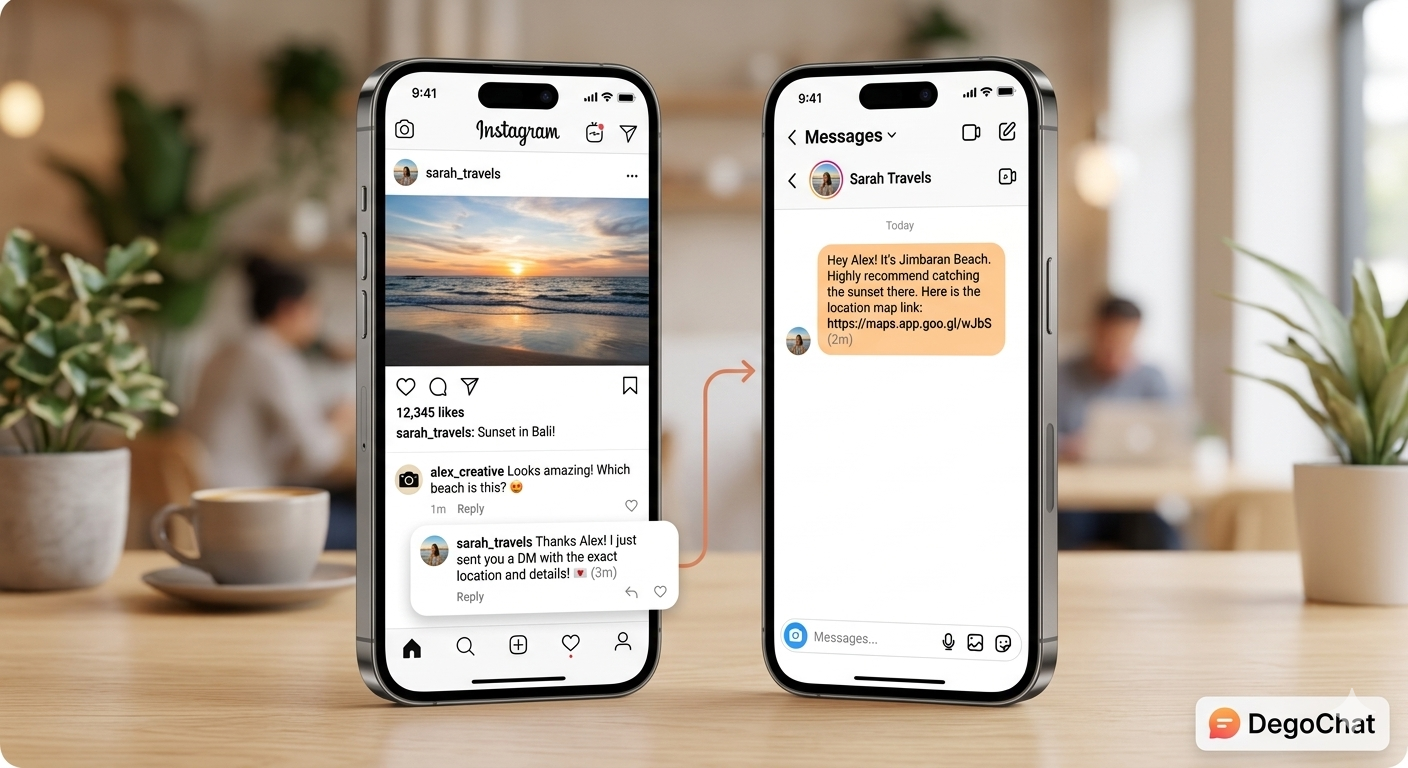
When someone leaves a comment that matches your keyword or any-comment trigger, the automation can perform two related but different actions, depending on your setup.
A public comment reply appears under the person’s comment, where other viewers can see it. A short reply such as "Details sent!" acknowledges the request.
A private DM is sent privately to the commenter with the requested link, offer, or next step. A flow can use a public reply, a private DM, or both; test the actions you have enabled.
For the private-message workflow, see how Instagram comment-to-DM automation works.
When to Send a Requested Link by Private DM
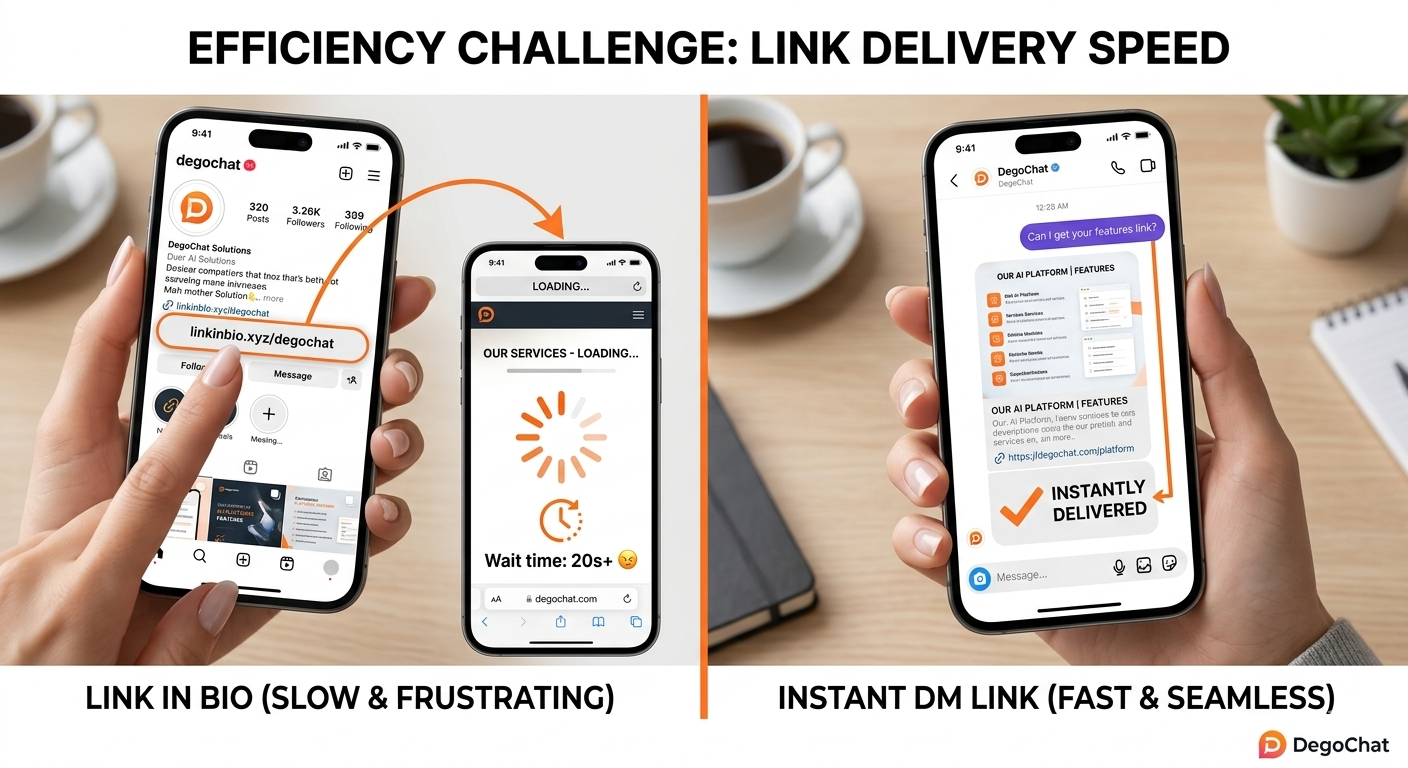
A follower who uses a bio link may need to open your profile, find the link, and choose between several destinations. A keyword-triggered DM can instead provide the specific resource requested in the comment.
For example, a creator can send a free guide after a "guide" comment, a business can send product or pricing information after a "price" comment, and a Reel can invite viewers to comment "link" to receive a useful resource privately.
A DM can also include a relevant follow-up question when lead capture is the goal. See how to collect leads on Instagram for that next step. Comment-to-DM does not guarantee higher conversion rates than a bio link, and later messages must respect the person’s consent and applicable Instagram messaging rules.
Why Running More Than One Automation on the Same Post Is Better Than Just One
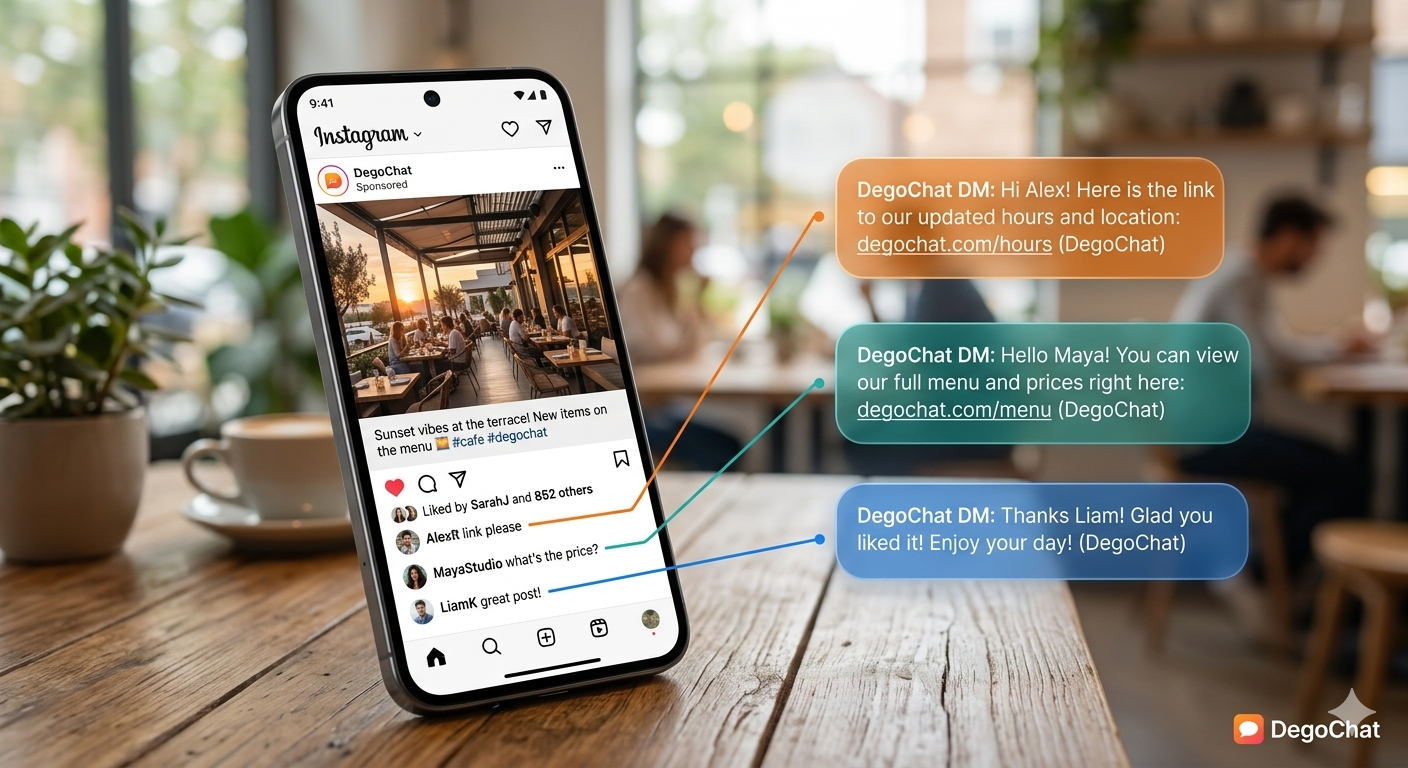
A single post can attract completely different types of comments: someone looking for the link, someone else asking about the price, and a third person leaving a general comment unrelated to anything specific. If you set up just one automation replying with the same message to all of that, the reply will be inaccurate for most people.
It's better to run more than one separate automation on the same post at the same time — one replying to the word "link," one replying to "price," and one replying to any other general comment. Each automation works independently and sends the message that fits the type of request, making each person's experience more personalized.
Why DegoChat
DegoChat lets you set a keyword trigger on a post or Reel and automatically send the configured public reply and private message with the requested link or offer. It also supports a follow gate before the link is delivered and has fixed monthly pricing that is not based on the number of contacts.
Frequently Asked Questions
Do I need a Business or Creator account to use this system?
Yes. The tool needs a Business or Creator account to connect to Instagram’s official system. You can switch account types in Instagram’s settings.
Do I need to link my account to a Facebook Page for the automation to work?
No, linking a Facebook Page is optional and not required for the automation to run. You can run the system on a Business or Creator Instagram account without needing to link it to a Facebook Page.
What's the difference between an automation that replies to a keyword and one that replies to any comment?
A keyword automation only replies to comments containing the word you set, while an any-comment automation responds to every comment under the post regardless of its text. You can choose whichever type fits your content and goal.
Can I run more than one automation on the same post at the same time?
Yes, you can run multiple automations on the same post, each replying to a different type of request like a link, a price, or general comments, with each automation working independently.
Related Articles
Grow Your Account
Get ideas and updates to help you grow your Instagram account.