How to Turn Comments into Followers and Leads on Instagram?
Direct Answer
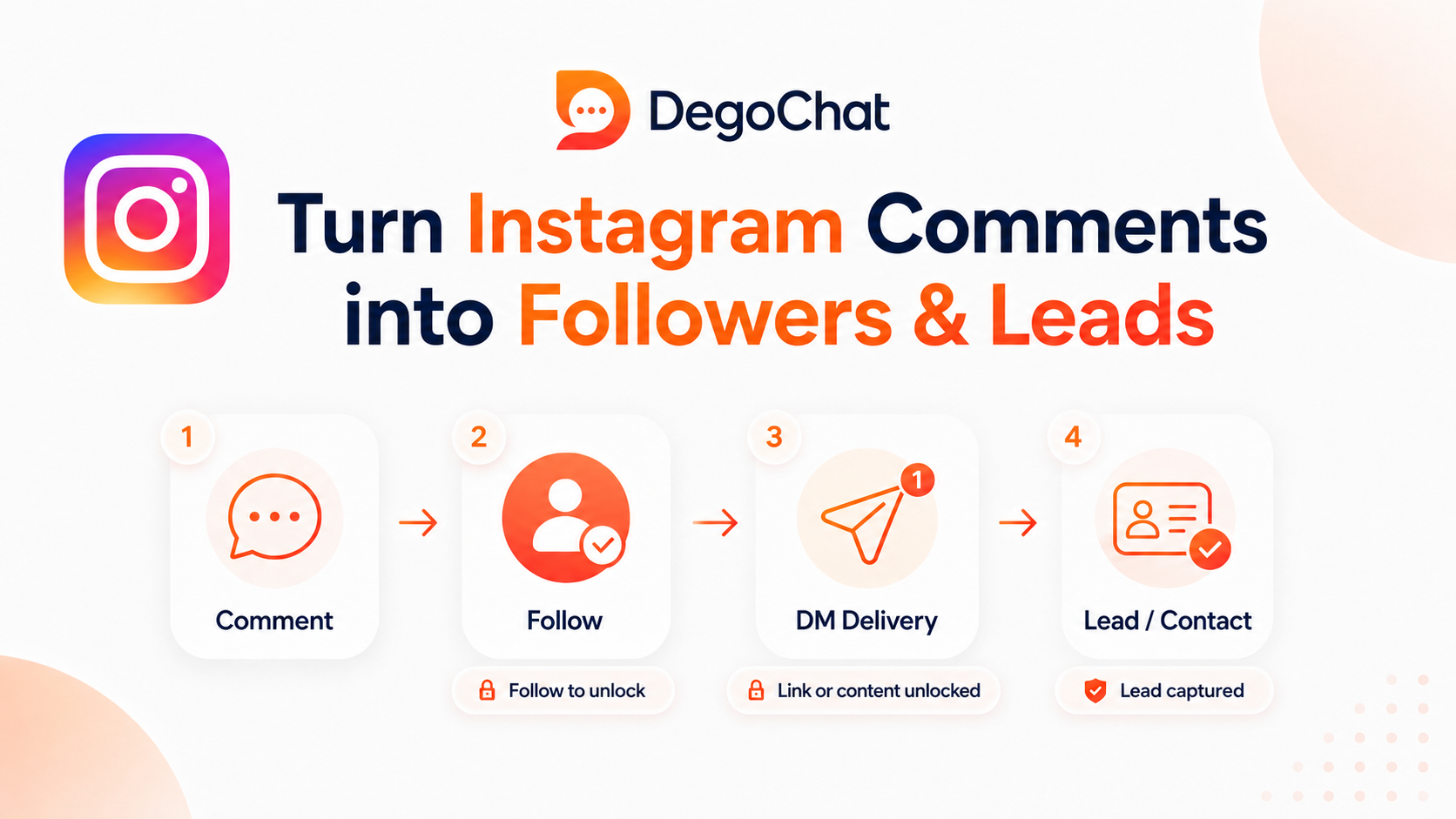
The Follow Gate feature in Instagram ensures that a person follows the account before receiving a link in private messages. This way, the interaction doesn't end with just a comment, but the user moves to a clearer step: follows the account, receives content, and can then have their email collected or saved as a contact within the system. The feature is more successful when the link or content required is useful and clear to the target audience.
The Problem
You might get a large number of comments from people who want a link, file, or offer, but some take what they need and leave without following the account or leaving data that can be referred to. As this repeats, the interaction becomes a temporary effort that doesn't build an interested audience or a clear lead base. Manual response increases the problem, as it consumes time and may lead to some comments being lost without follow-up. By default, Instagram does not provide a Follow Gate feature within the app, but it is available through some automation tools that connect comments to private messages. When using Follow Gate, the comment becomes the beginning of an organized path that starts with verifying the account follow before sending the link, and then email can be collected or the user can be saved as a contact within the system. This way, the interaction doesn't end with the comment, but can turn into an interested follower or lead that can be categorized and retargeted later.
Solution Steps
- 1
Before setting up automation, ensure the platform you're using actually supports the Follow Gate feature, as this feature is not automatically available in all Instagram Automation tools. Review the tool's settings or official documentation and verify it can check if a user follows the account before sending the link within private messages.
- 2
Start by identifying the post or Reel where the user will request the link, and choose a clear comment word related to the content. Then, connect the comment to an automation tool that supports Follow Gate, so the private message starts automatically and then verifies the account follow before delivering the link.
- 3
Use Follow Gate with content that offers clear benefits worth following, such as a practical guide, a downloadable file, or a link to an offer related to the audience's interest. When the user understands what they will get and why it benefits them, following becomes a logical step rather than a condition imposed to get the link.
- 4
After verifying the follow, make the next message short and clear, then send the link or required content, and you can then request the email or save the user as a contact and add an appropriate tag. This helps distinguish between those who just got the link and those who showed interest that can be followed up or retargeted later.
Common Mistakes to Avoid
- ✕
Running automation without testing the follow verification and message path may lead to sending the link before implementing Follow Gate or stopping the conversation at an unclear step. Test the experience from an account that doesn't follow the page, then from a follower account, and ensure every user reaches the correct path before publishing the automation.
- ✕
Using Follow Gate with every post or link without discrimination can make the experience heavy for the user, especially when the provided value is simple or unclear. It's better to use it with content that offers real and direct benefits, with an explanation of what the user will get after following, so the step seems logical and not an obstacle.
- ✕
Expecting the Follow Gate feature to convert every comment into a follower or lead is unrealistic, as the outcome is affected by content quality, offer clarity, and audience interest. Use it as part of an organized conversion path, and measure the number of followers who received the link and left their data instead of judging success by the number of comments alone.
When You Need a Tool
You can manually send links if the number of comments is limited and you can follow up with each person yourself, but the tool becomes useful when interaction increases or you want to ensure follow before delivering the link consistently. It helps connect the comment to a private message, organize the path, and save the user as a contact or collect their email instead of relying on repeated manual responses.
Deep Dive
How does Follow Gate work after a user comments?
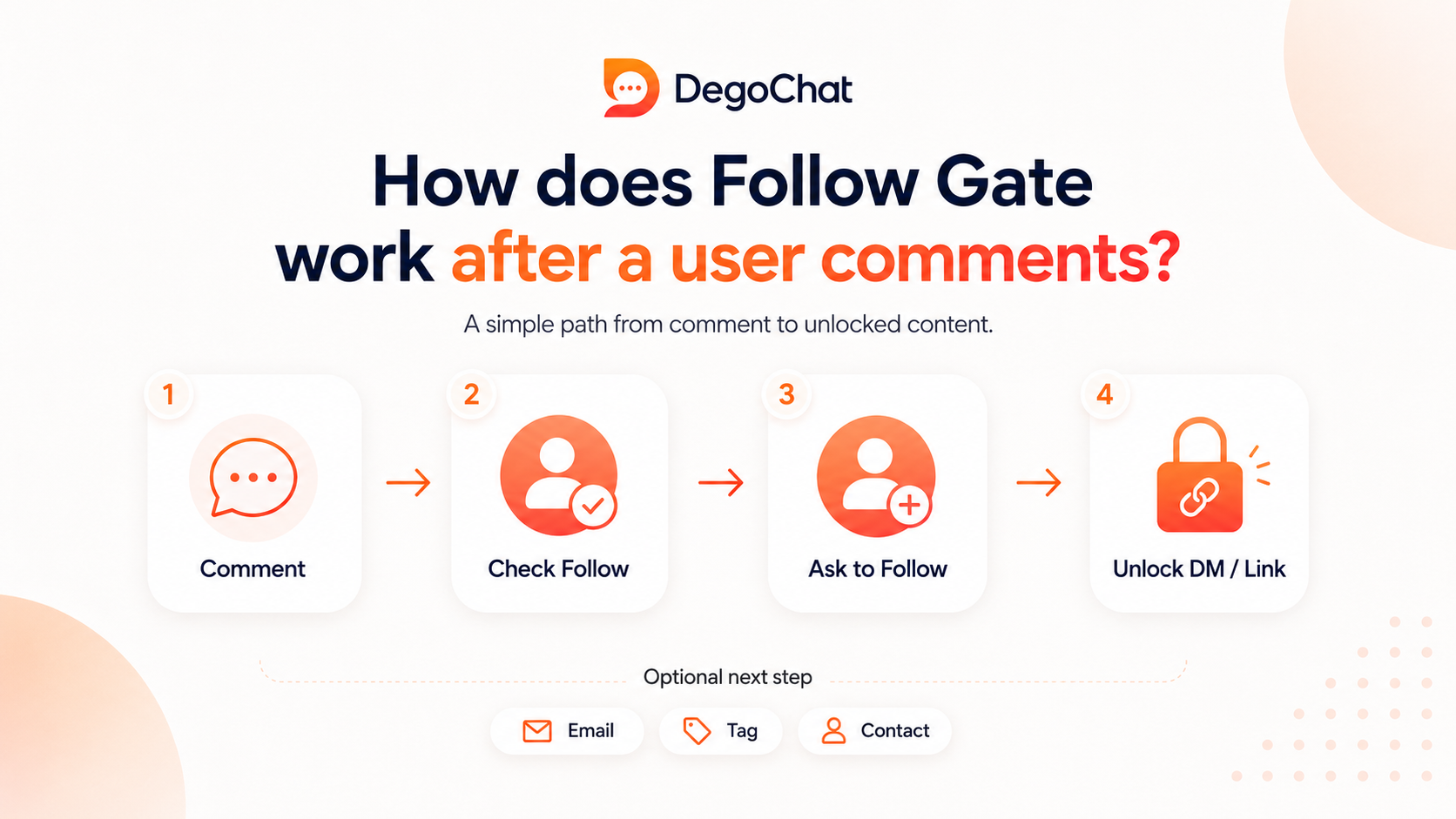
The journey starts when a user writes a specific word, or any comment according to automation settings, on a post or Reel. The tool sends an opening message within DM, then verifies if the user follows the account already. If not a follower, it requests a follow and re-verifies before showing the link, while a current follower moves directly to receiving it.
This step doesn't make the comment an automatic follow, but it connects delivering content to a clear action by the user. After sending the link, the path can be continued by requesting email or adding a tag and saving the person as a contact, so the interaction becomes followable and measurable instead of just ending with sending the link.
What's the difference between a follower, lead, and contact within this path?
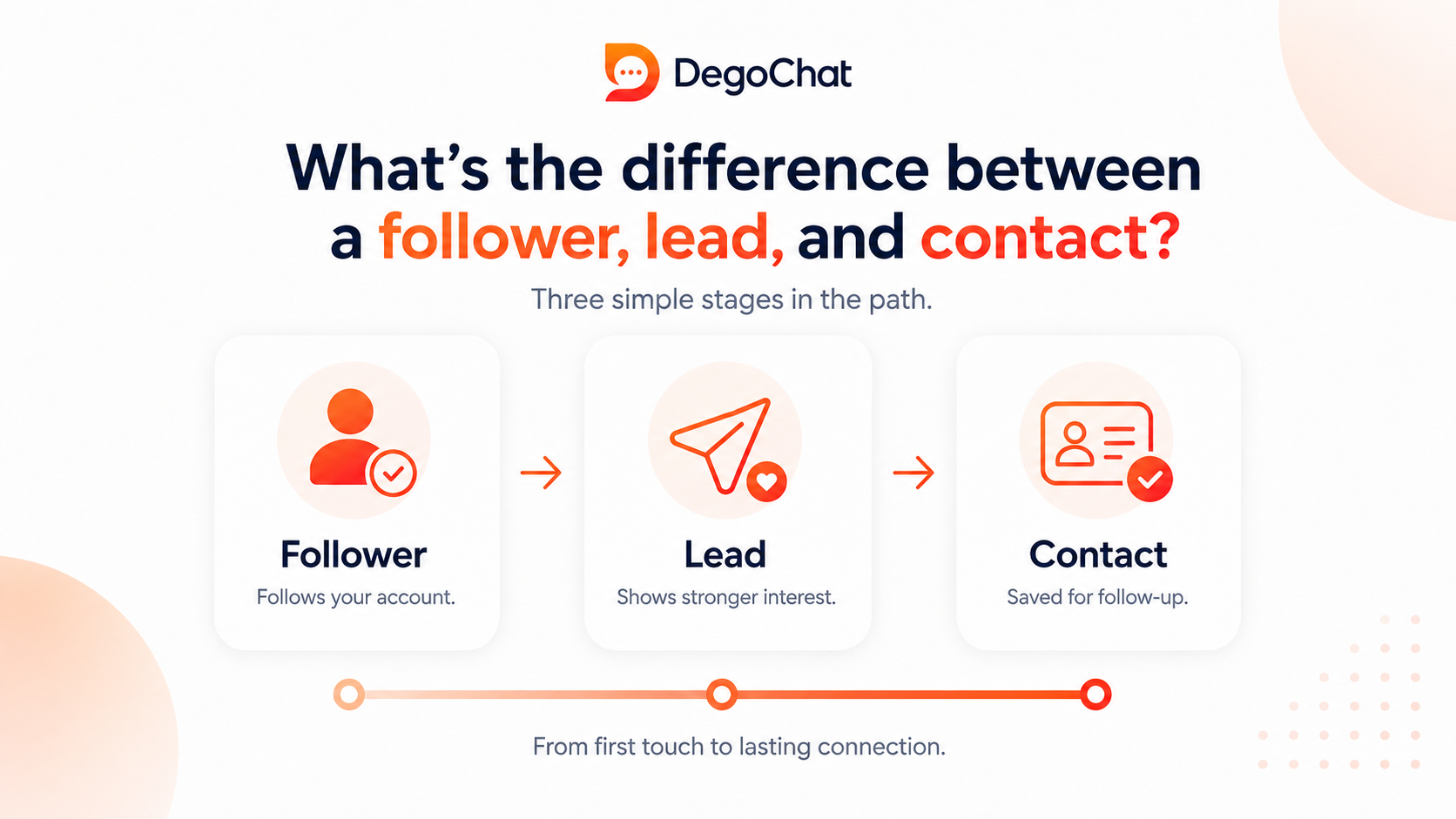
A follower is someone who chose to follow the account to continue seeing content in the future, but they don't become a lead just by following. They turn into a lead when they show greater interest, such as requesting a guide, offer, or leaving their email, while they are saved as a contact when the automation tool records their data within the system to categorize and follow up on their interaction.
Therefore, the success of Follow Gate shouldn't be measured by the number of followers alone. The stronger path is for the user to move from comment to follow, then receive the link, and after that, leave their data or be added a tag that clarifies their interest. Then, you have an interested audience that can be organized and retargeted with appropriate messages or content within the limits of Instagram policies.
When is Follow Gate more effective?
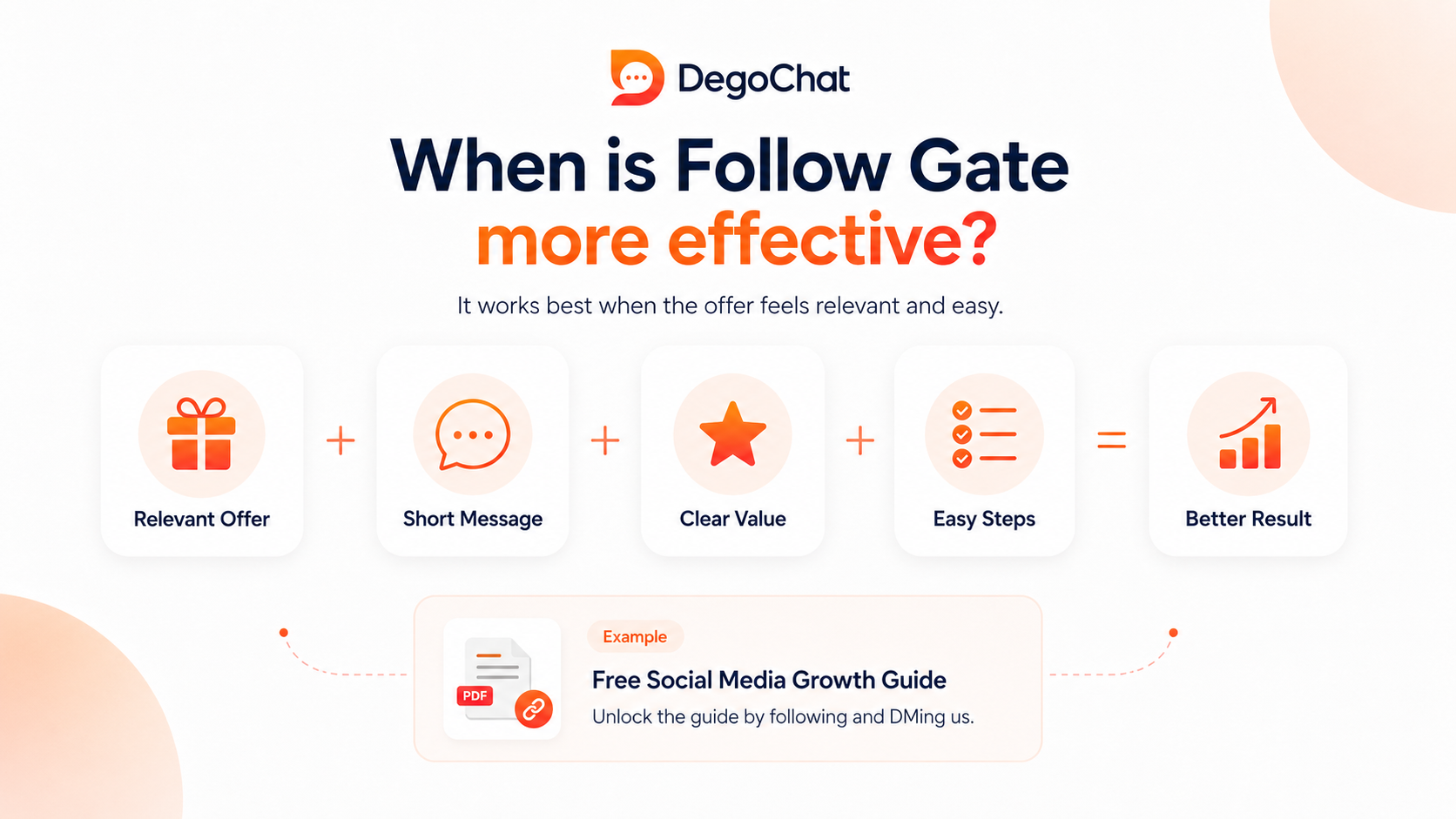
Follow Gate is more effective when the required content is directly related to the user's interest, such as a practical guide, file, or link that complements the post itself. In this case, following becomes a natural step because the user wants to continue with an account that provides them with similar content, not just as a condition to get a passing link.
Results also improve when the message is short, the value is clear, and the steps are few. If the offer is weak or far from the post's topic, the user might withdraw before following or after receiving the link, so it's essential to evaluate the quality of followers and leads generated, not just their number.
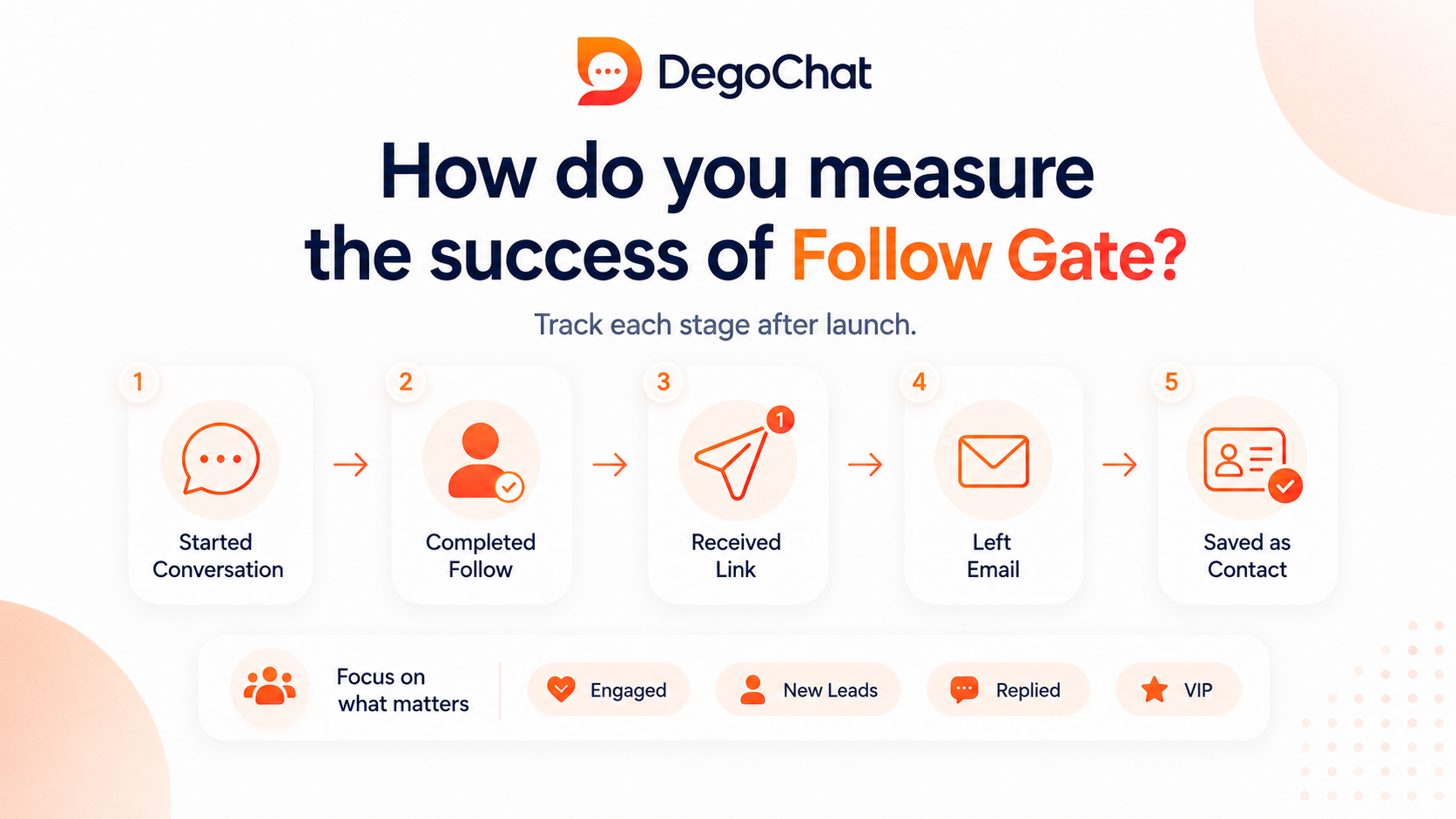
How do you measure the success of Follow Gate after launching it?
Don't rely solely on the number of comments or new followers, as the success of Follow Gate shows in the user's transition across more than one step. Monitor the number of those who started the conversation, who completed the follow, who received the link, and who left their email or were saved as a contact within the system.
Compare these results among different posts to find out which type of content attracts a more interested audience. You can use tags to categorize contacts based on the guide or offer they requested, then tailor the follow-up based on their actual interest instead of sending the same message to everyone.
Why DegoChat
DegoChat suits those who want to use Follow Gate to convert Instagram comments into interested followers, then collect email or save the user as a contact and add tags. The platform also provides an unlimited number of contacts within the plan, so the price doesn't automatically rise with the growth of the contact list.
Frequently Asked Questions
Is the Follow Gate feature integrated into Instagram?
No, Instagram does not provide Follow Gate as a default feature within the app. You need an automation tool that supports verifying if a user follows the account before sending the link within private messages.
Does Follow Gate guarantee converting every comment into a follower?
No, the feature does not guarantee that every commenter will follow the account. The outcome depends on content quality, the clarity of the value the user will get, and how much it aligns with their interest.
Can Follow Gate be used to collect leads and not just increase followers?
Yes, Follow Gate can be used as a first step in a path that collects email or saves the user as a contact after following and receiving the link. This way, the goal becomes building a lead base that can be categorized and followed up, not just increasing followers.
Related Articles
How to Automate Replies to Instagram Comments and Save Time Sending Messages: The Complete 2026 Guide
Sep 15, 2026
Generating Leads from Instagram, What Really Works?
Aug 18, 2026
Degochat vs ManyChat: Which One Should I Use for Instagram Automation?
Jul 6, 2026
Grow Your Account
Get ideas and updates to help you grow your Instagram account.