How to Automatically Convert Comments into DMs?
Direct Answer
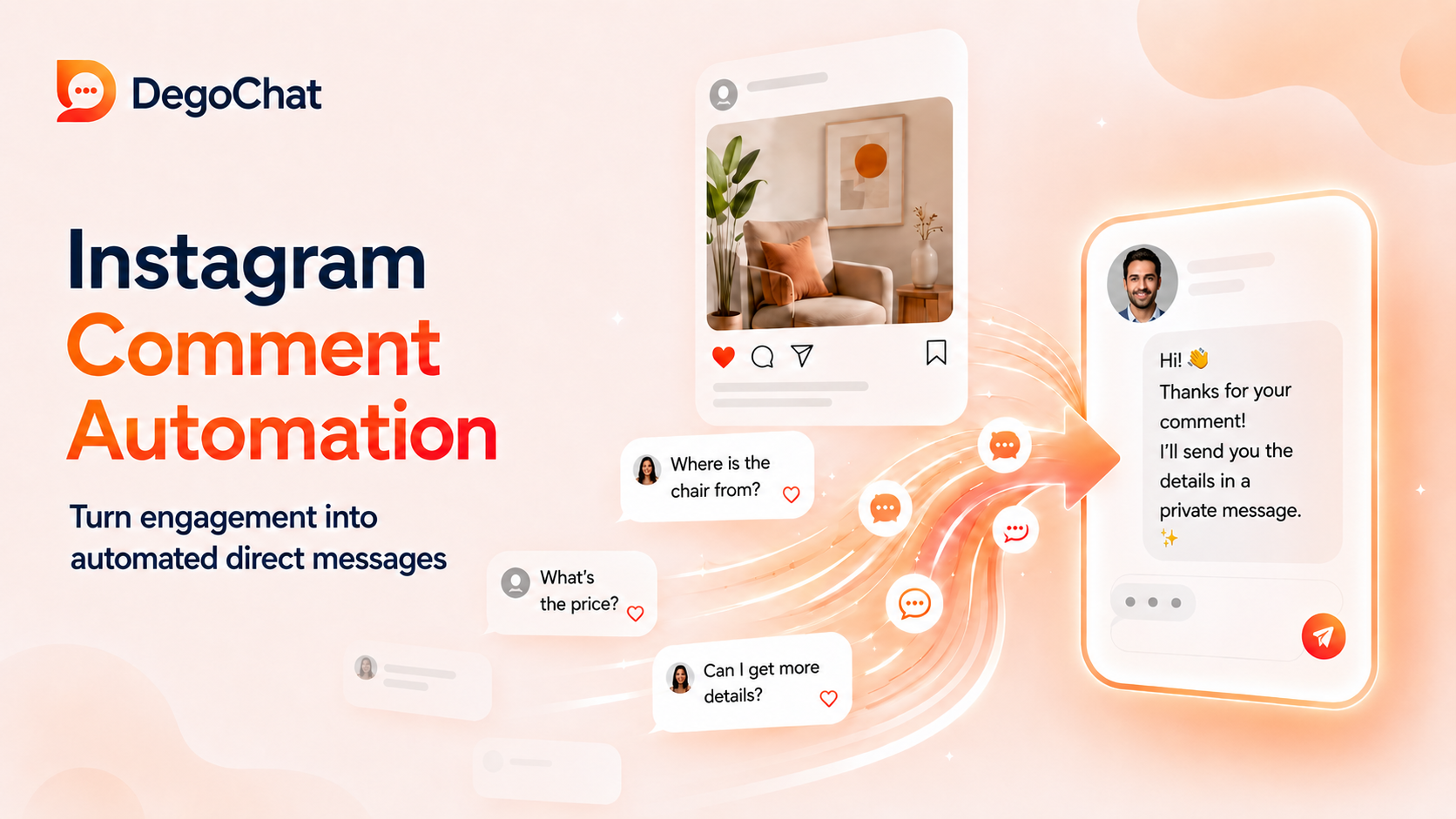
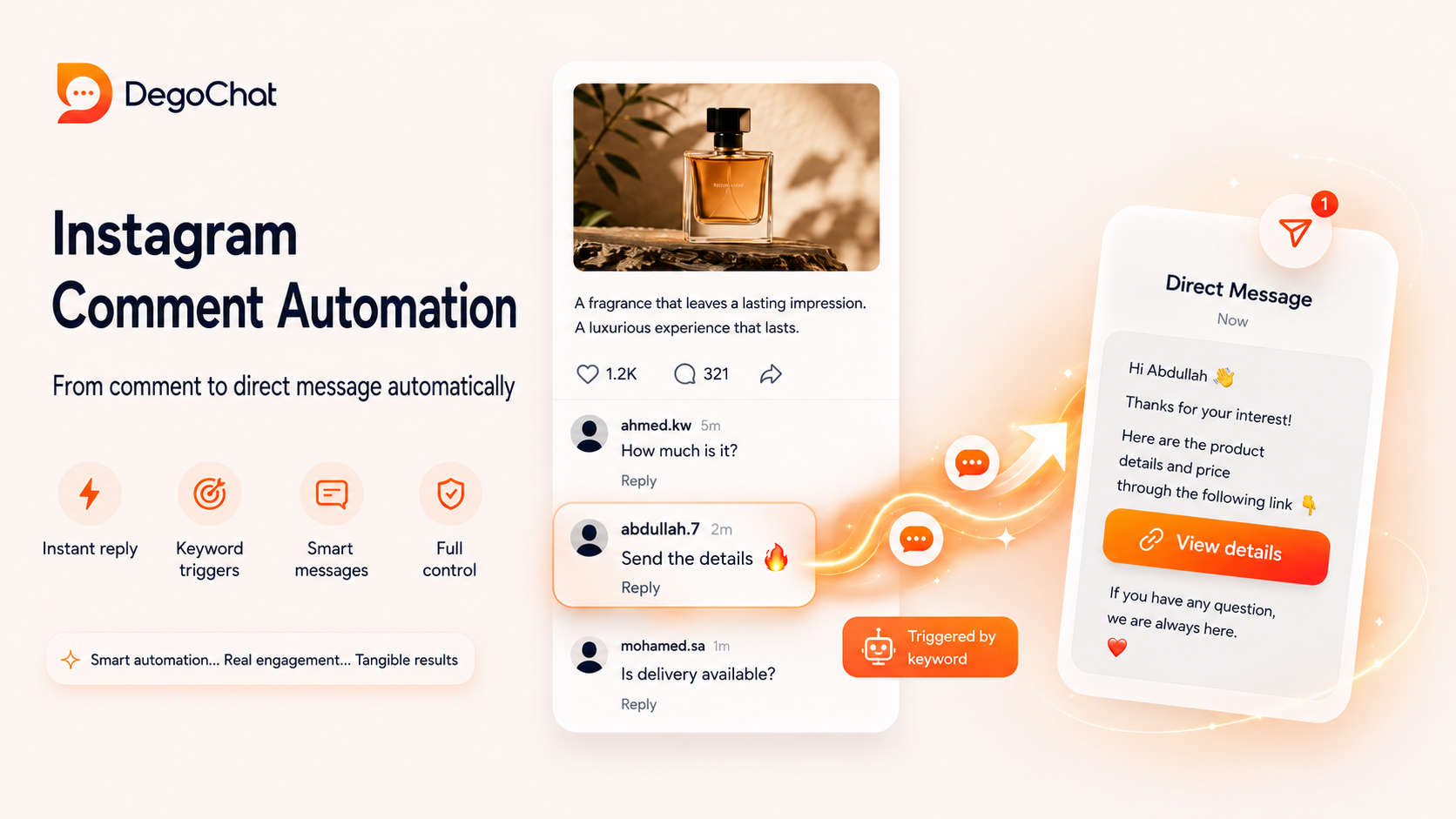
Instagram Comment Automation turns a user’s comment on a post or Reel into an automatic DM. When the user types a specific keyword, they receive the requested link or details without waiting for a manual reply. This speeds up communication, organizes requests, and reduces missed opportunities. For effective results, choose a clear keyword, write a concise message, and test the automation before publishing.
The Problem
Your posts may receive comments from people who want a link, price, or additional details, but responding to each comment manually consumes time and increases the likelihood of delayed responses. As engagement increases, some requests may get lost among the comments or the message may arrive after the user has lost interest. The problem isn't the lack of engagement, but the absence of a clear path that takes the person from the comment to a DM containing what they requested. Without this path, engagement remains visible on the post without being converted into a conversation that can be followed up.
Solution Steps
- 1
Choose a clear and relevant keyword to trigger the automation, such as 'link', 'price', or 'details'. The keyword should be easy to type and not ambiguous, so the user knows exactly what to write in the comments and what they will get afterwards.
- 2
Write a short DM message that explains to the user what they will receive, then add the link or details in the same conversation. Make the message direct, and avoid long introductions or multiple options, so the user can easily move from the comment to the next step.
- 3
Link the message to a single clear step, such as clicking a button to open the link, entering an email, or choosing one of the available links. The simpler and more specific the next step, the less likely the user is to stop before completing the path.
- 4
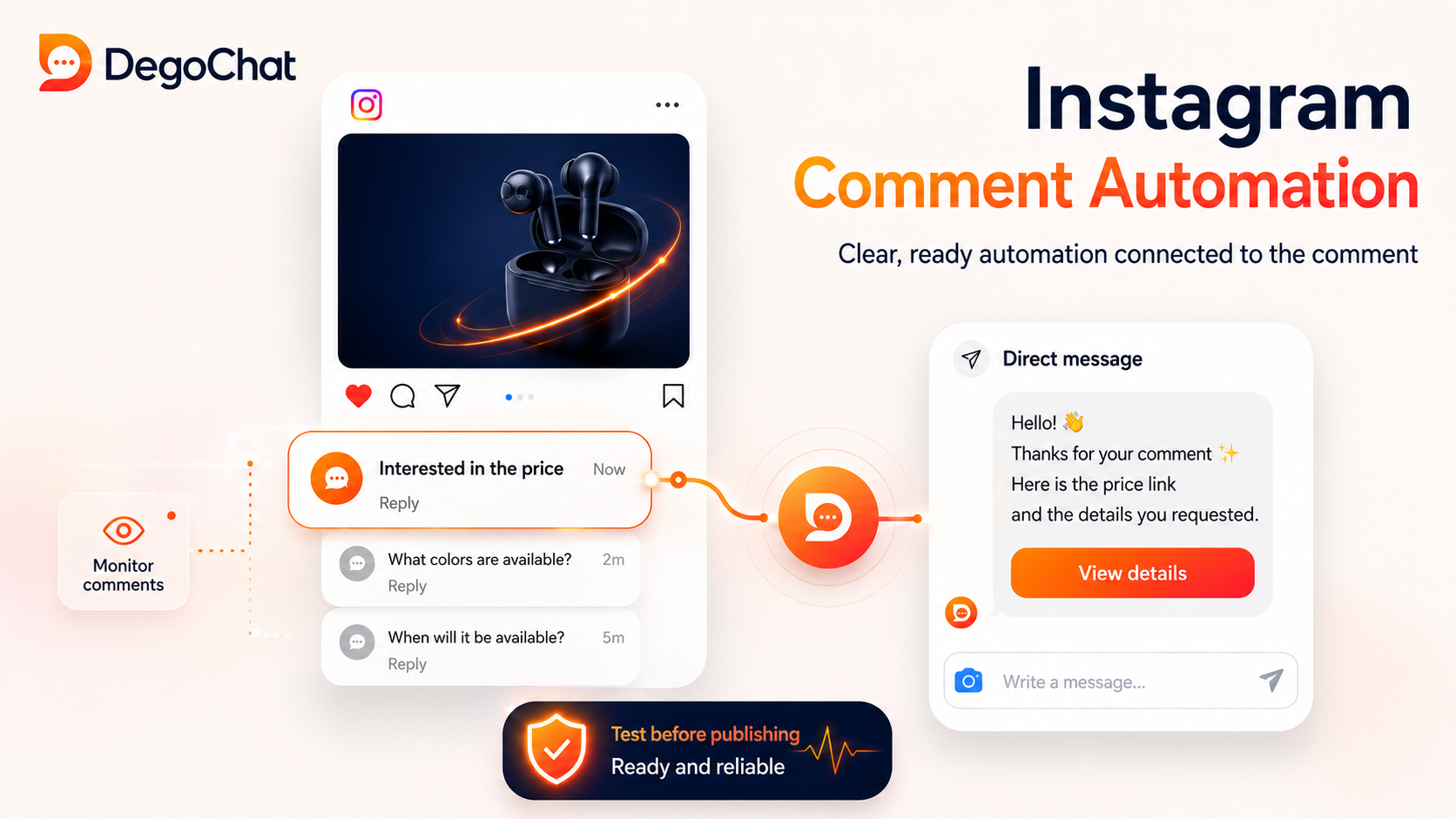
Test the automation from another account before publishing it, and ensure that the correct keyword triggers the message, the button or link works, and the content arrives in the expected order. This test helps detect technical errors early, rather than discovering them after receiving real comments.
Common Mistakes to Avoid
- ✕
Enabling automation without precisely defining the keyword may cause unintended messages to trigger the path or prevent the correct comment from triggering it. The correct alternative is to use a clear keyword, then test multiple common phrases to ensure the automation only works when needed.
- ✕
Focusing on sending the message automatically without caring about the quality of its content may cause the user to ignore it, even if it arrives on time. The correct alternative is for the message to be short and related to the comment, explaining what the user will receive, then leading them to a single easy step instead of confusing them with multiple options.
- ✕
Expecting automation to convert every comment into a real customer is unrealistic, as some users may request a link out of curiosity only. The correct alternative is to measure clearer steps, such as opening the link, entering an email, or completing the conversation, then improving the message and offer based on these results.
When You Need a Tool
You can respond manually if the comments are few and you can easily follow up on each request. The tool becomes useful when the same requests are repeated, the number of comments increases, or you need to send links, collect emails, and organize contacts without performing each step manually. The goal is to speed up the response and reduce the loss of requests, while keeping important conversations available for follow-up.
Deep Dive
How does automation move from comment to DM?
Automation starts when a user writes a comment that matches the specified keyword on a post or Reel. The tool receives a comment notification, then sends a private response to the user from the professional Instagram account. Meta allows sending a single private reply related to the comment, so the message should be clear and related to what the user requested, such as a link or specific details, not a general or unexpected message.
Choosing a specific keyword or enabling automation on any comment
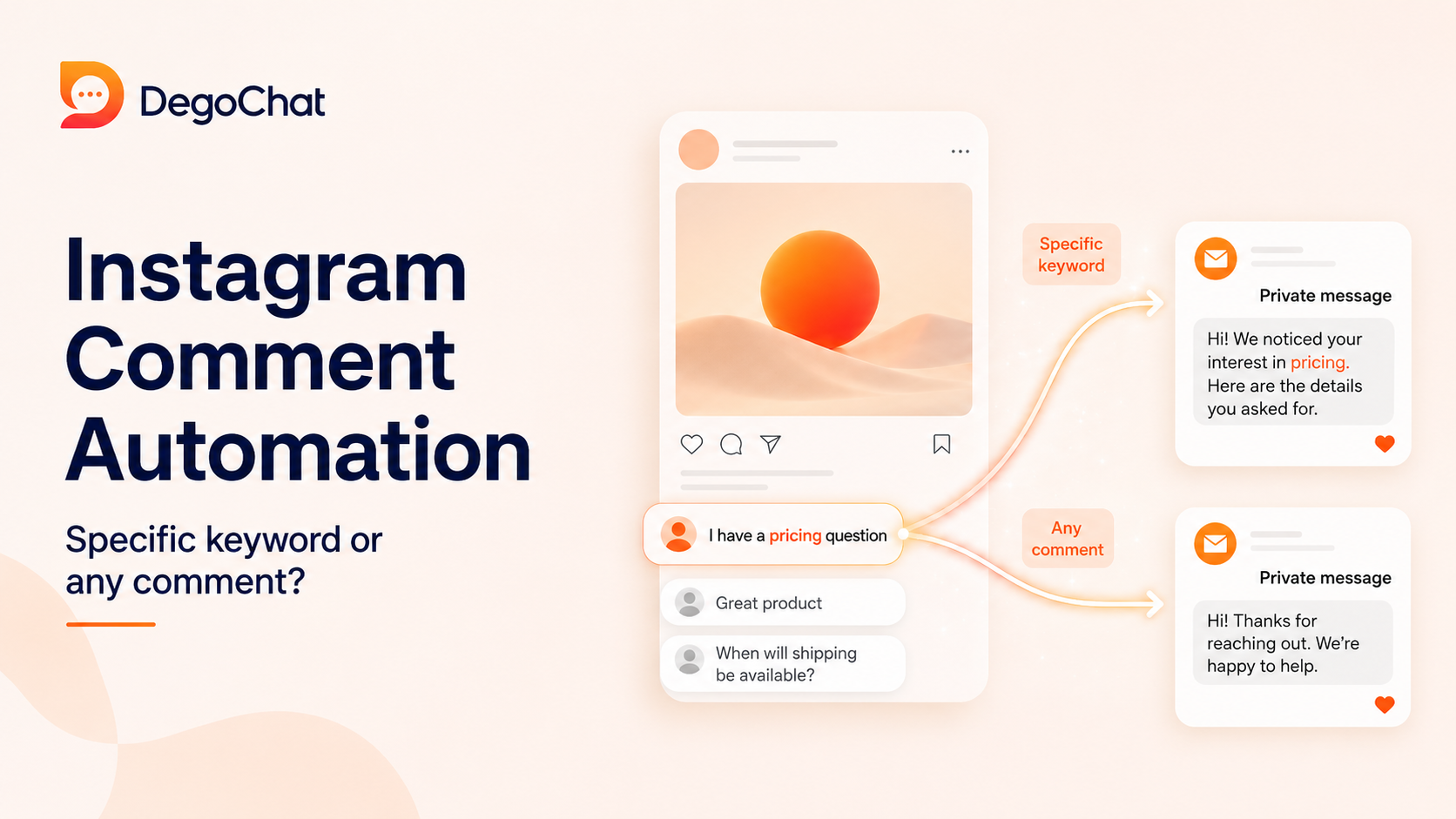
Use a specific keyword when you want to send different content based on the user's request, such as a link, price, or product details. Enabling automation on any comment may be suitable for a post with a single clear goal, but it needs a general message that suits all comments and doesn't assume everyone requested the same thing. In both cases, review comments regularly to ensure automation doesn't respond out of context and that manual responses remain available when needed.
Testing automation before publishing the post
Test the entire path from a different account before relying on it. Write the required keyword in a real comment, then ensure the correct DM message arrives, the links and buttons work, and the steps are in the expected order. After publishing, monitor new comments and the resulting messages, as comment monitoring helps you discover unclear keywords or cases that require a manual response instead of automation.
Why DegoChat
DegoChat is suitable for those who want to automatically convert Instagram comments into DMs when a specific keyword is written or any comment is made. It can be used to send links, collect emails, add tags to contacts, and manage automation from a simple interface. The platform relies on the official Meta API and focuses on Instagram automation.
Frequently Asked Questions
Does Instagram Comment Automation work on any account?
Automation usually requires a professional Instagram account linked to the tool according to Meta's requirements. A personal account does not provide the same integration permissions, so it's essential to ensure the account type and settings before starting the automation.
Can a link be sent automatically after a user comments?
Yes, a link can be sent automatically within a DM message after the user types the required keyword or comments on the post according to the automation settings. The link should be directly related to what the user requested, and the message should be clear so the user knows the next step without confusion.
Should you respond manually after sending an automatic DM message?
Not in all cases. Automation can send a link or basic details, but it's better to intervene manually when the user asks a specific question, needs clarification, or shows a clear intention to purchase. Automation organizes the beginning, while manual follow-up remains important in conversations that require understanding or customization.
Related Articles
How to Automate Replies to Instagram Comments and Save Time Sending Messages: The Complete 2026 Guide
Sep 15, 2026
Generating Leads from Instagram, What Really Works?
Aug 18, 2026
Degochat vs ManyChat: Which One Should I Use for Instagram Automation?
Jul 6, 2026
Grow Your Account
Get ideas and updates to help you grow your Instagram account.